Your internet butler
Hand it over.
Tell Beryl what you need. It searches the live web, shows you the answer, and can finish the job in a browser while you watch.
Accounts are by invitation for now.
What you can hand over
A few things Beryl is good at.
In the desktop app
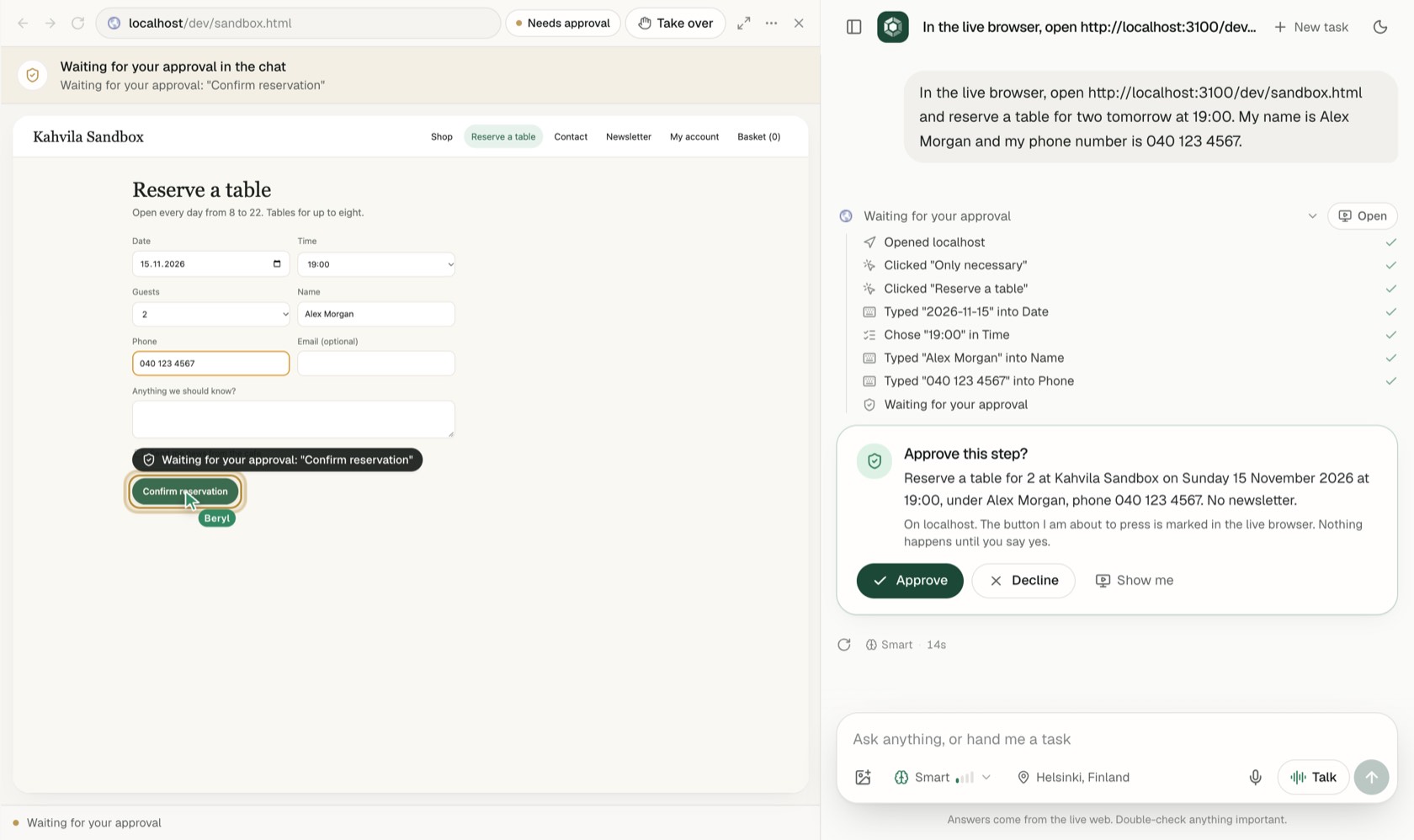
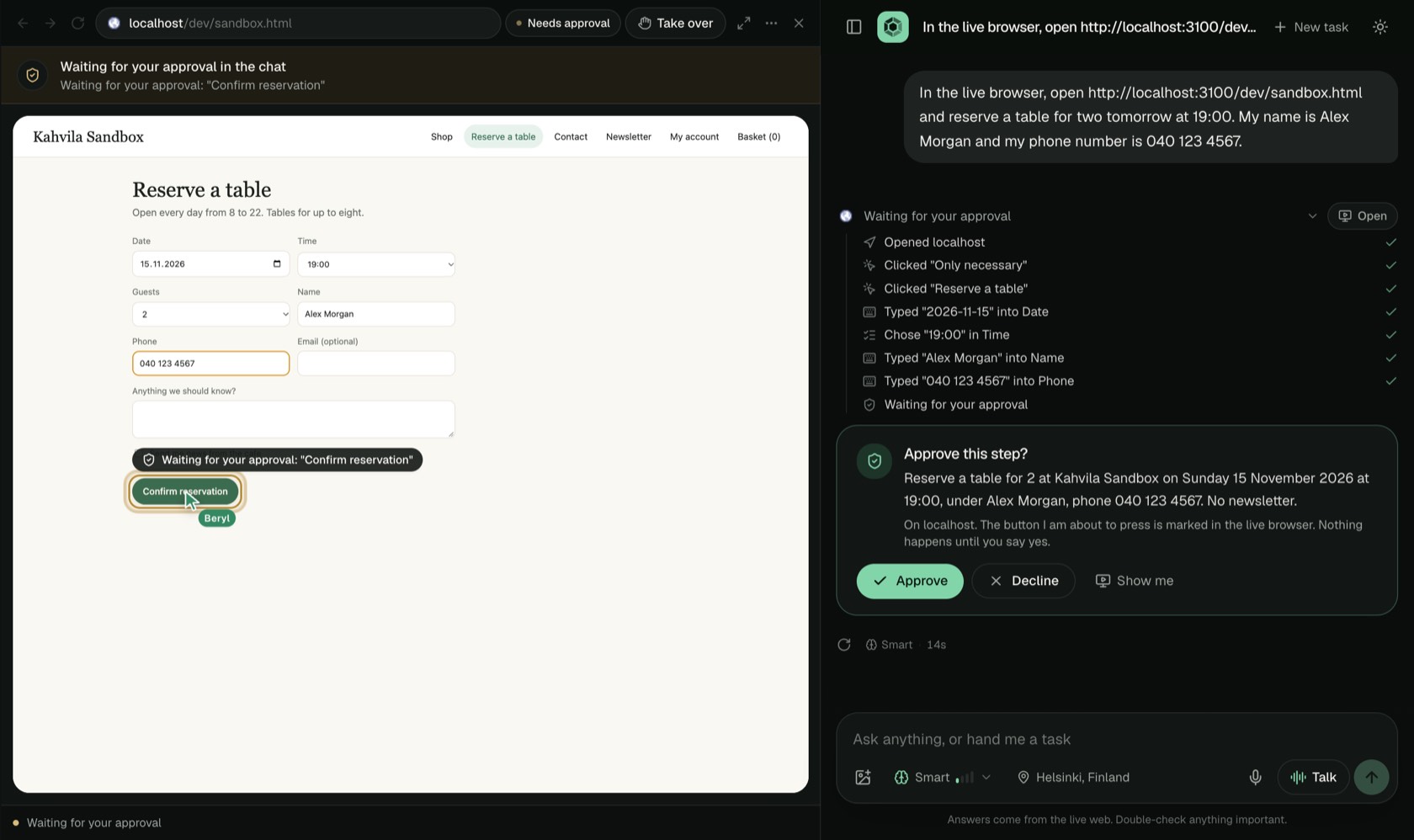
It does the clicking
Ask it to book the table and Beryl opens a real browser and works through the site while you watch.
- It asks before anything is booked, sent or ordered.
- You do the sign-ins. It never types a password.
- It never pays. That step is always yours.
Sift
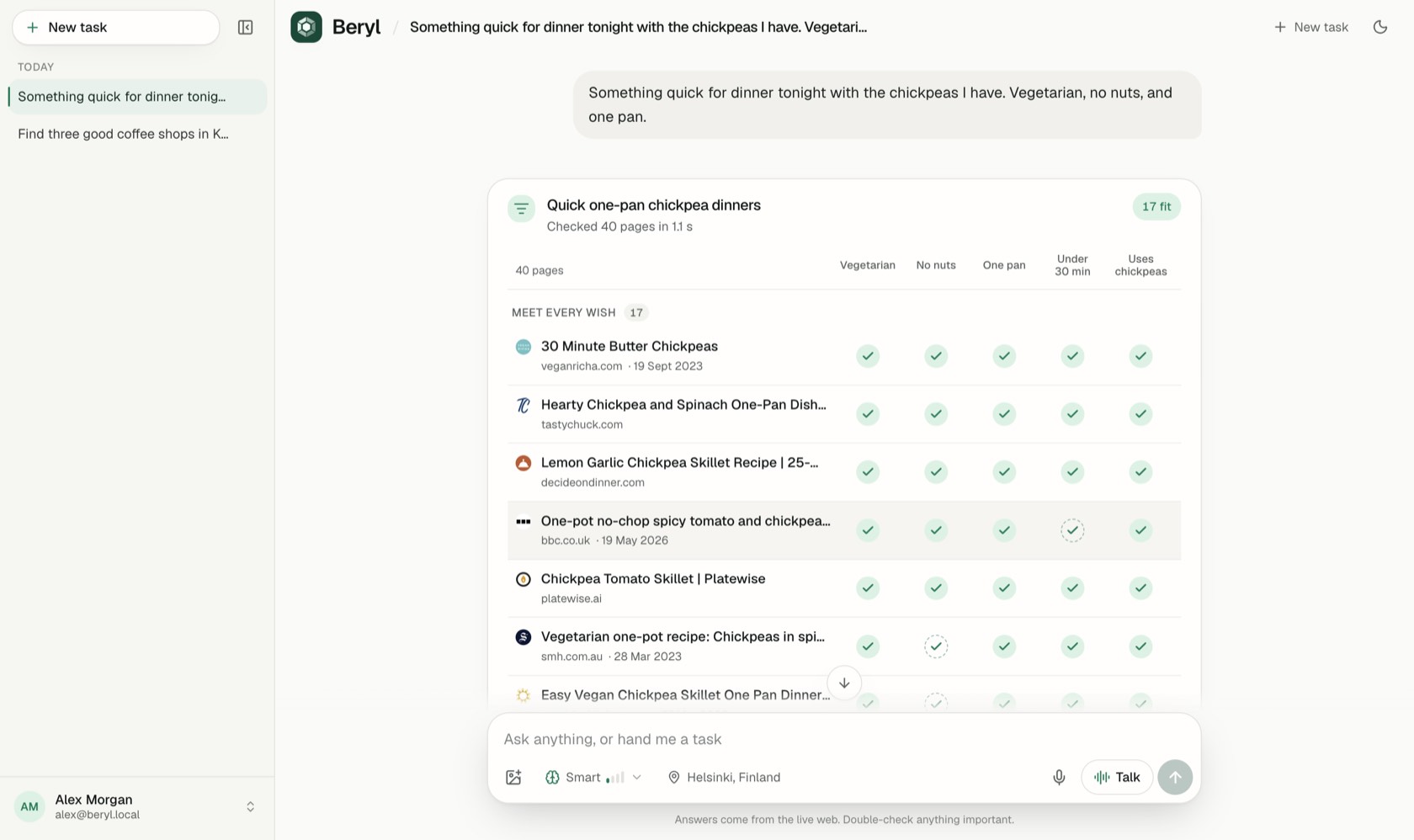
Finds the ones that fit
Want a dinner that's quick, vegetarian and one pan? Beryl reads about 40 pages and checks each one against everything you asked for. It takes about a second.
Good for recipes, job ads, flats, courses and studies.

Deep research
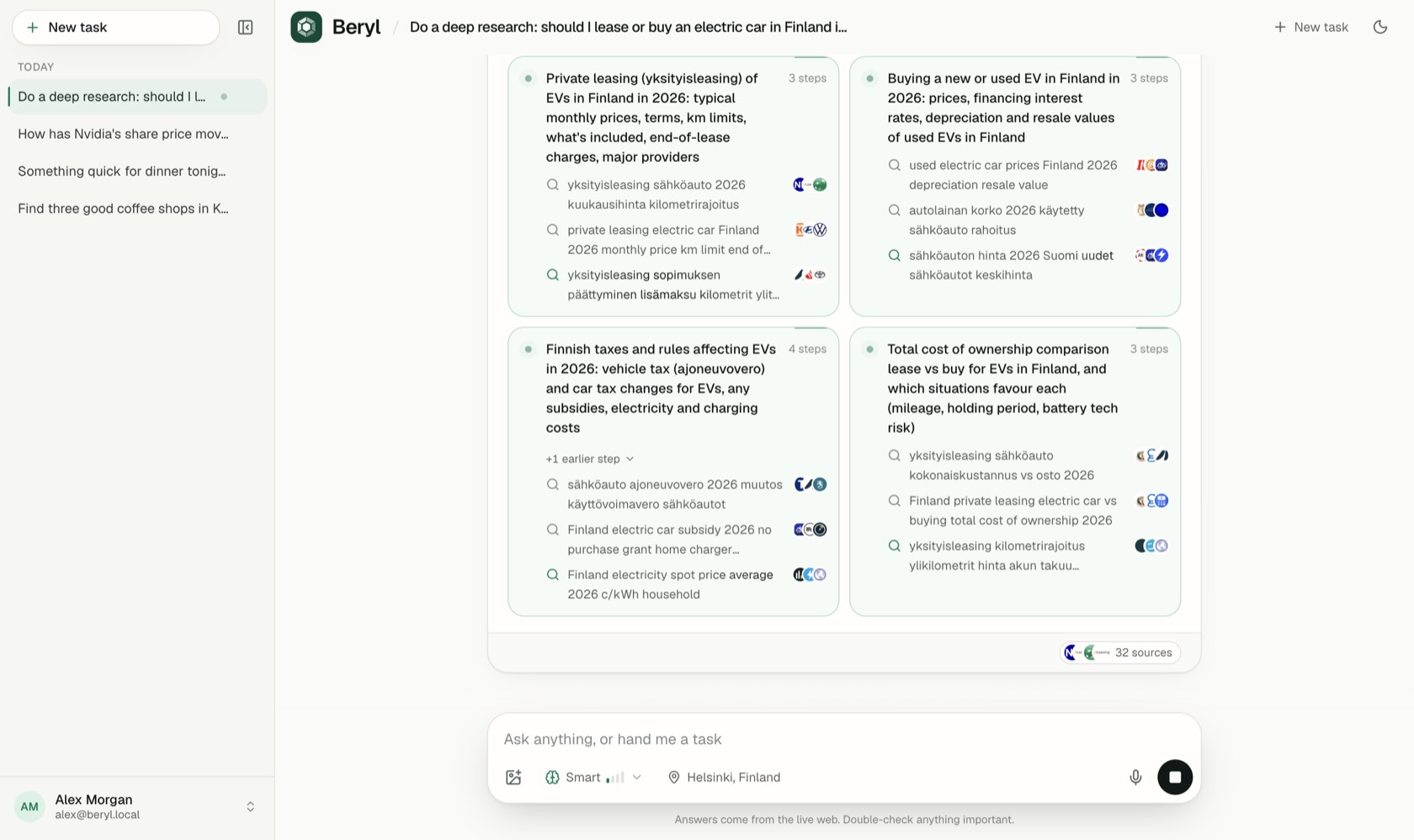
A research team on call
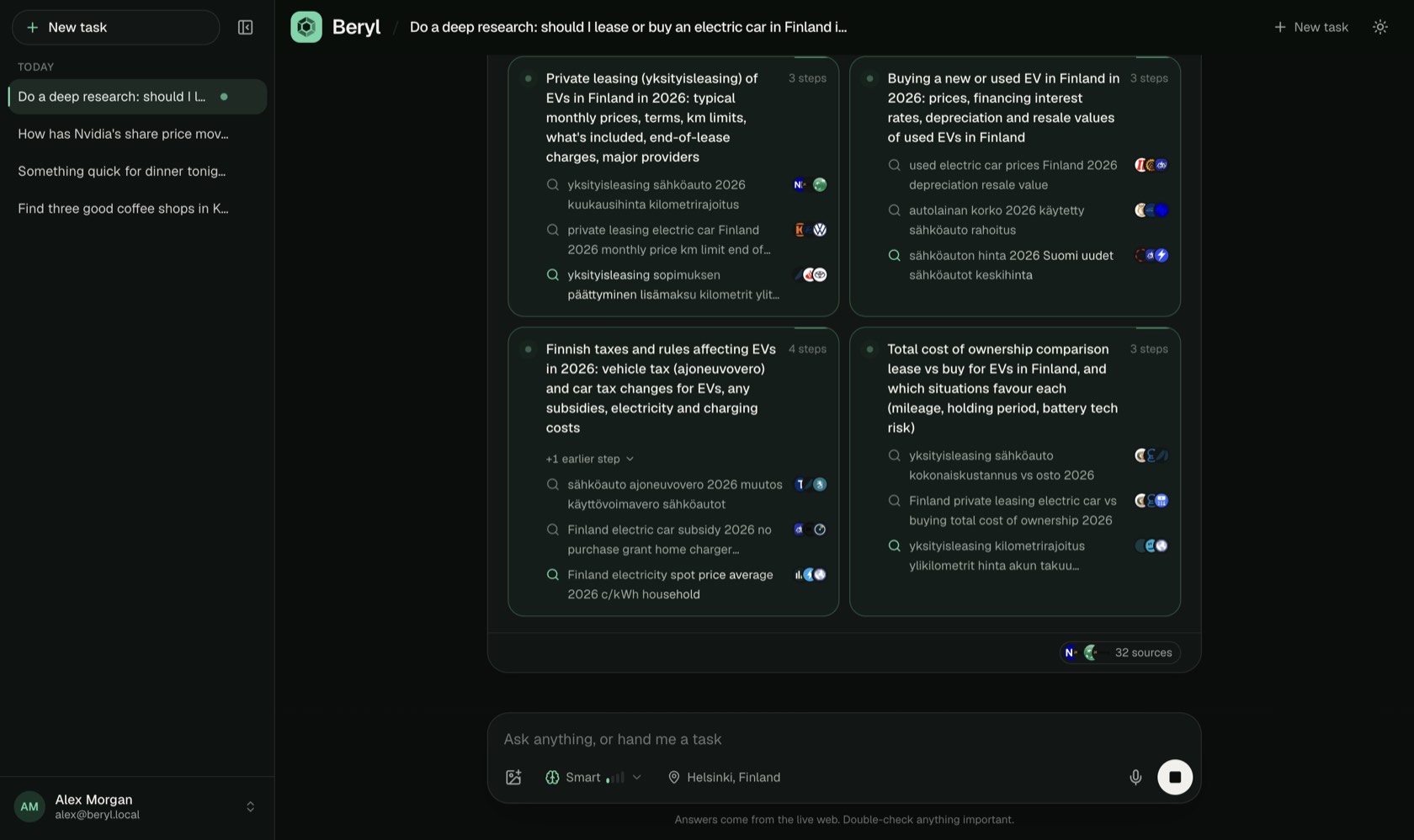
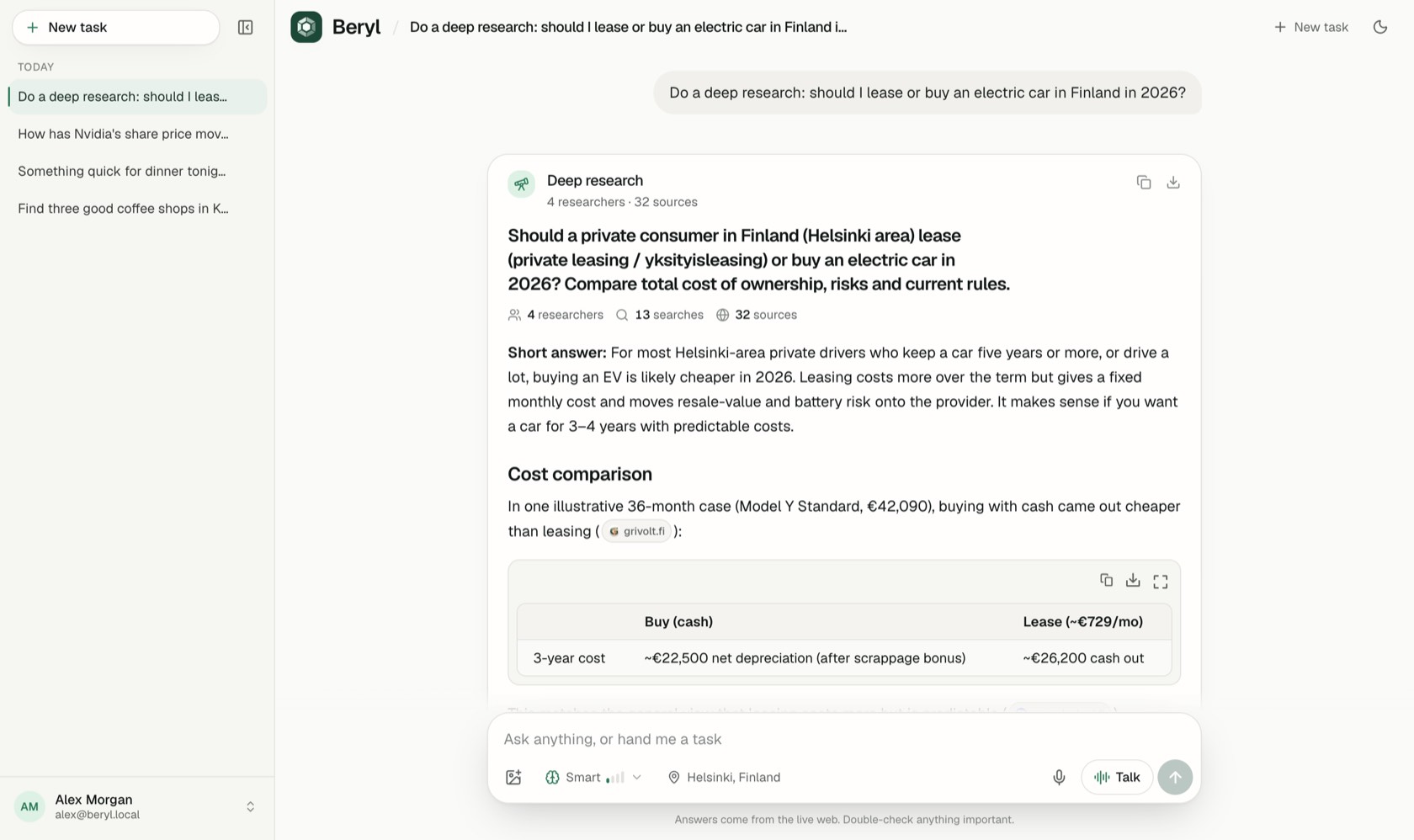
Big question? Beryl sends out up to 12 researchers at once. They read hundreds of sources and come back with one report, every claim linked to where it came from.
Voice
Just say it
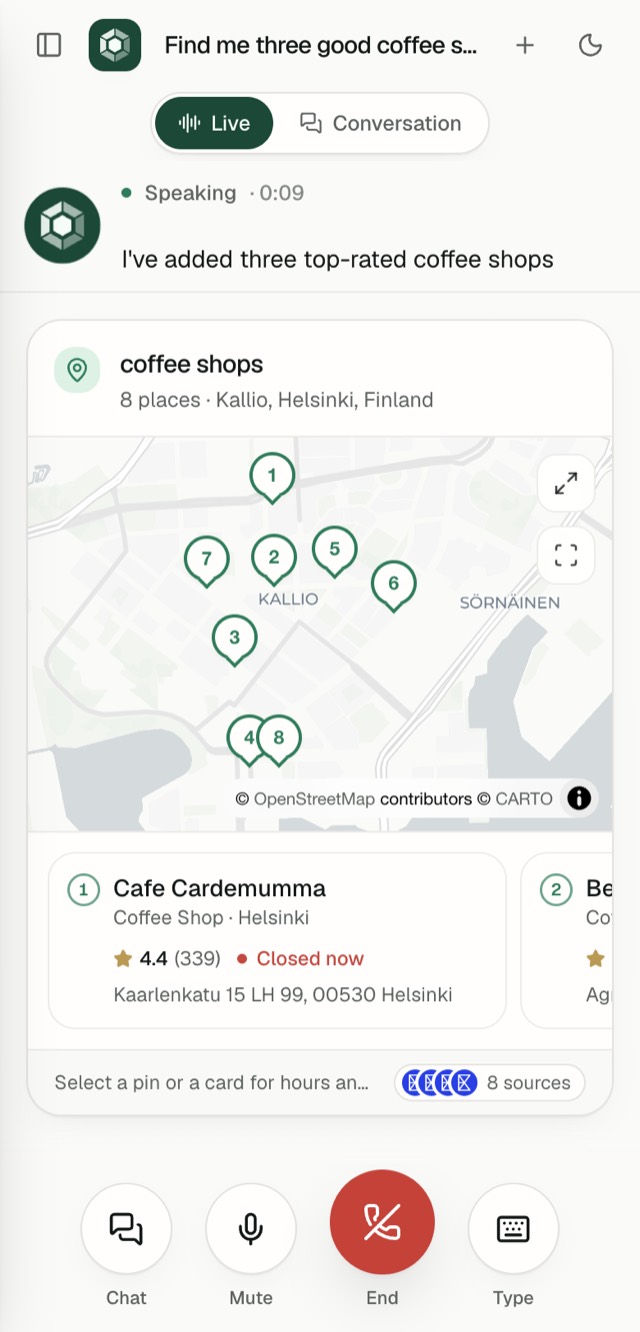
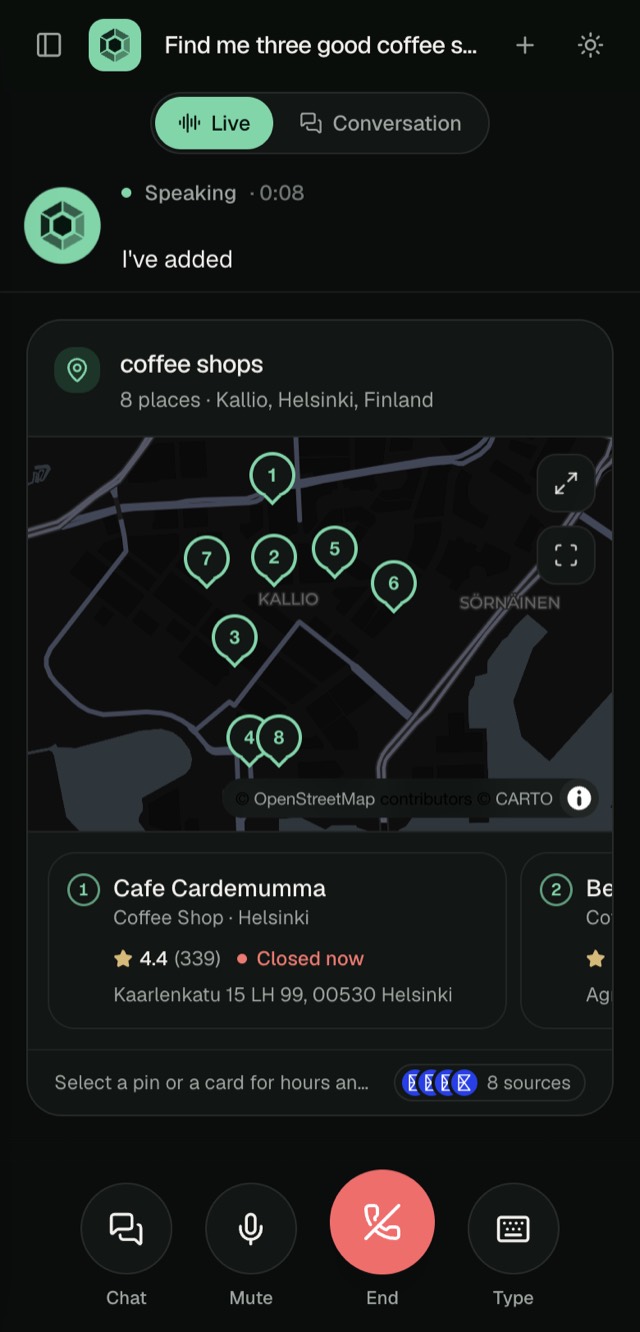
Talk to Beryl like you'd talk on the phone, in any language. The answer shows up on screen while it speaks. Or tap the mic and dictate.
Straight from the live web
Beryl searches with Exa, so what you get is current, and every fact links to its source.
Helsinki's tallest building is Majakka, at 134 metres srv.fi
Answers you can use
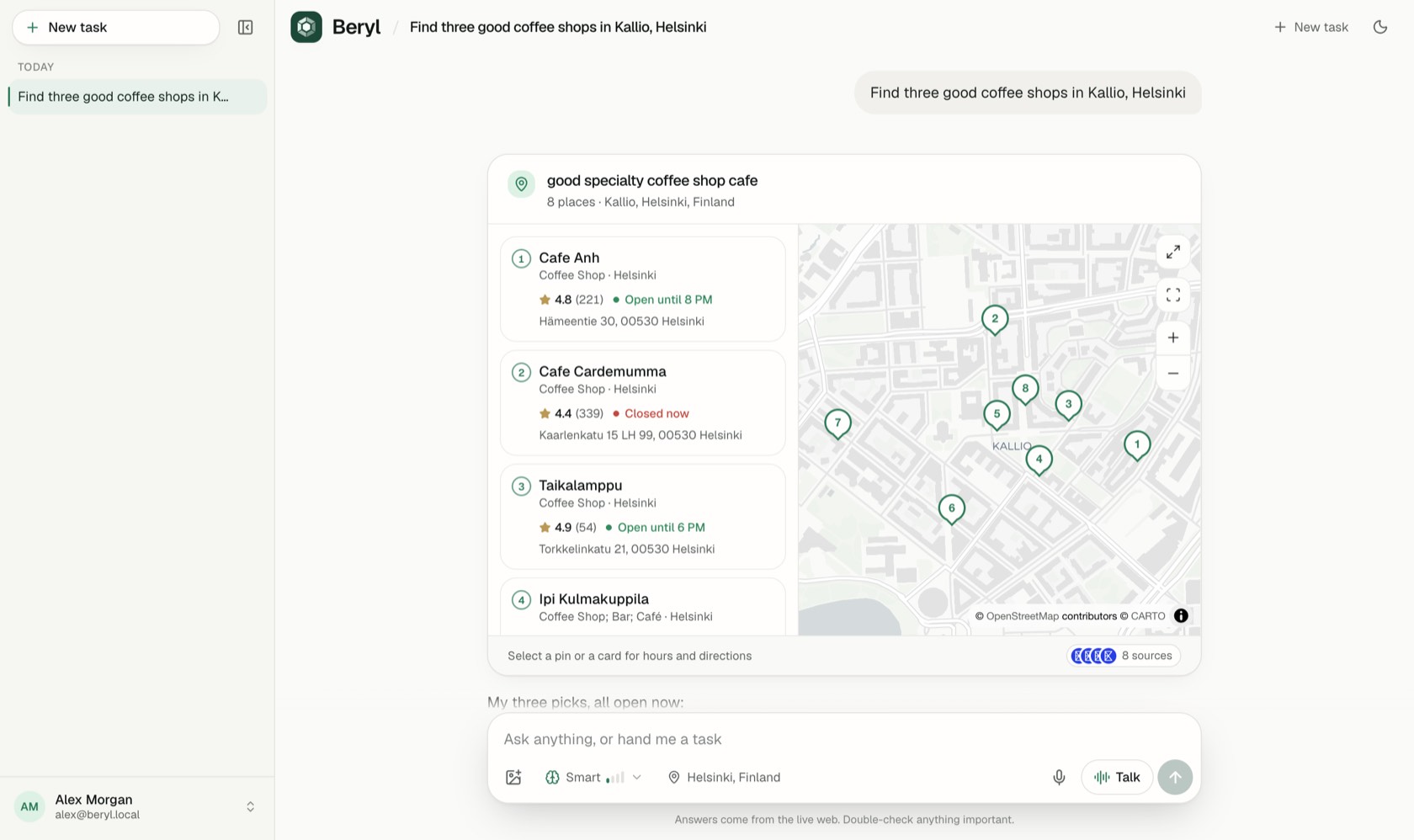
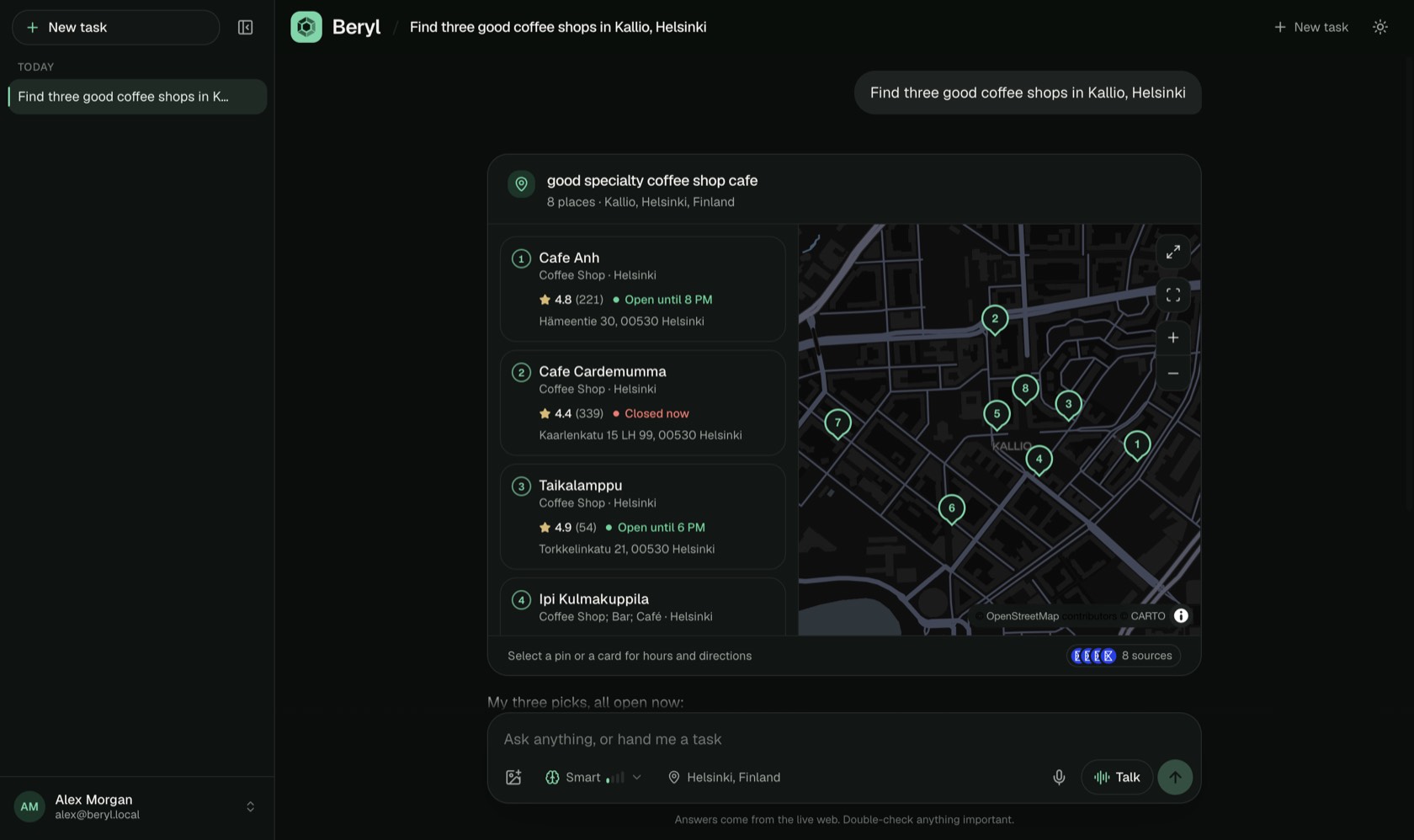
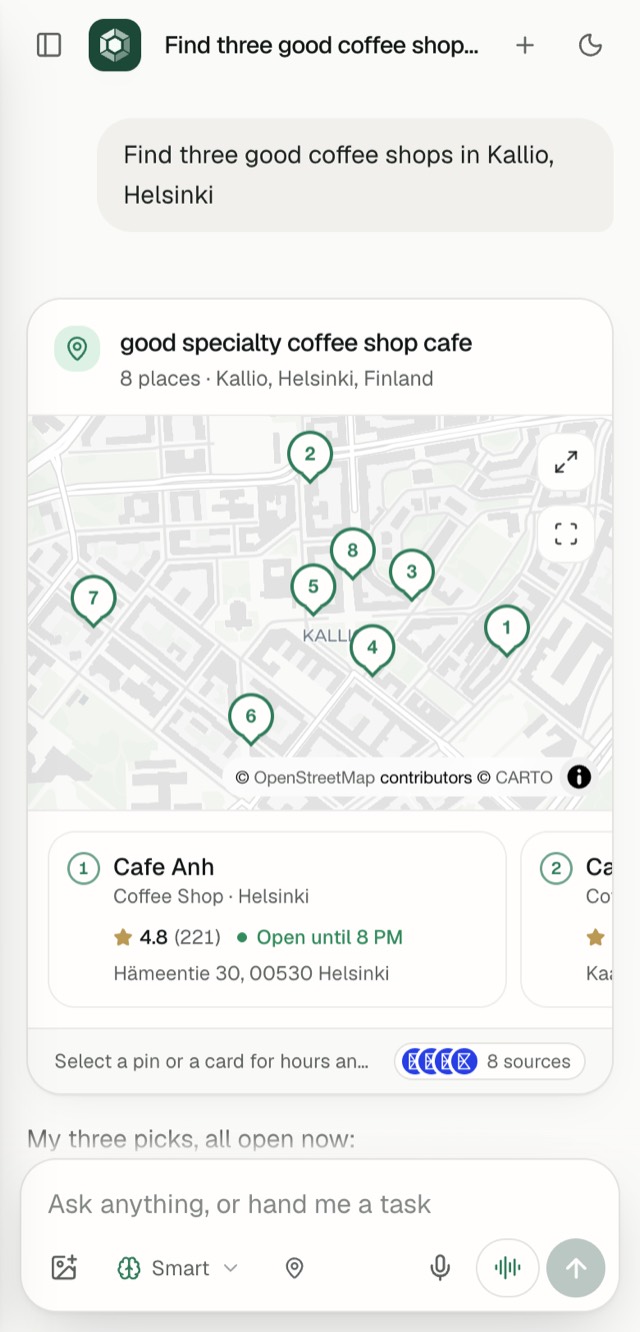
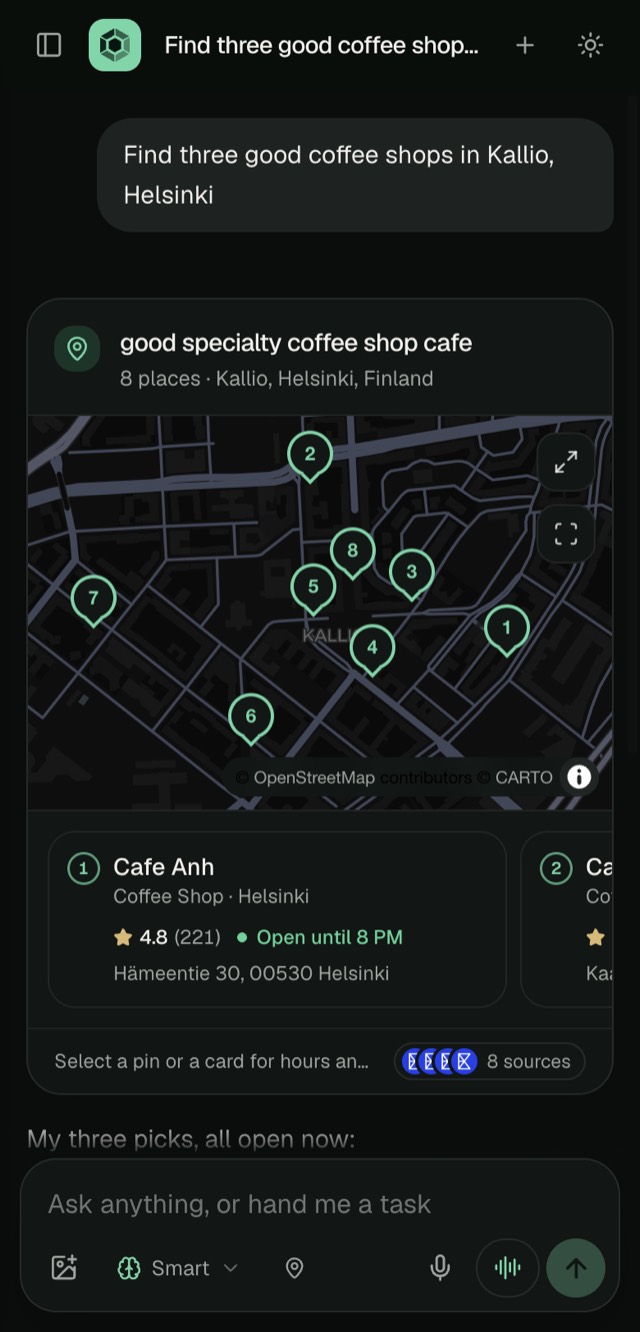
You get the thing itself: a map you can open, fares you can book, a chart you can read.
- Maps
- Flights
- Hotels
- Products
- Stock charts
- Prediction markets
- Weather
- Images
- Comparisons
- Charts
Pick your pace
Four modes, from Ultra fast to Expert, and a dial for how hard it should think.
Keeps working without you
Close the tab or start something else. Your task keeps running, and you can have several going at once.
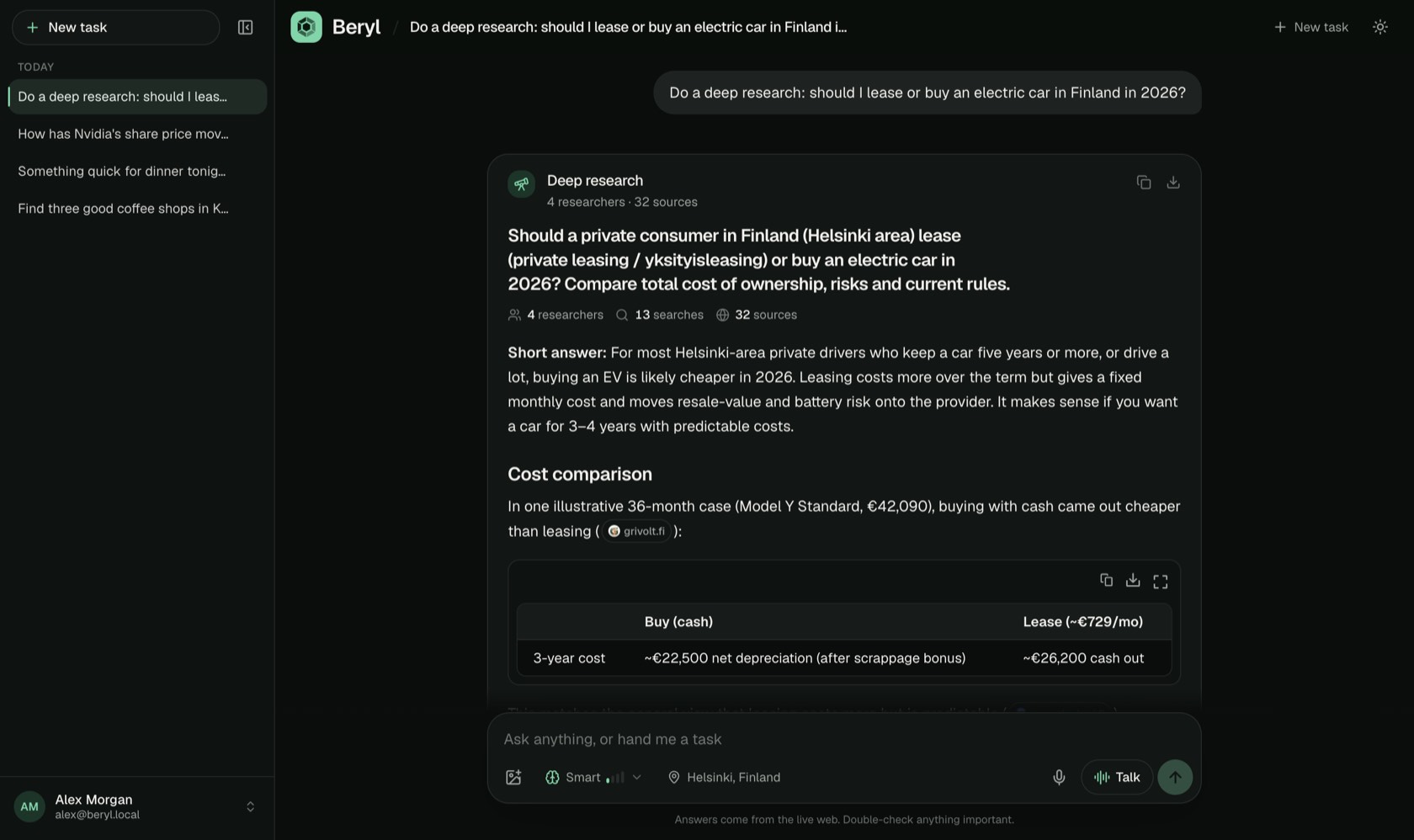
- Lease or buy an electric car
- Flights to Lisbon in March
- Coffee shops in Kallio
Made for teams
An admin hands out accounts, chooses which modes each person gets, and sets a spending limit.
Watch it work
A two-minute tour, from a question to a finished task.
The demo video is on its way
We're still recording it. Check back soon.
On the web, on your desktop, on your phone
Sign in once. Your conversations are there on every screen.
Get the desktop app
Same Beryl, plus a browser it can drive for you. You'll need an account to sign in.
For Mac (macOS 13 or later) and Windows 10 or 11.
Opening it the first time on a Mac
Beryl is not yet registered with Apple, so your Mac asks you to confirm before it opens the first time.
- Open the file you downloaded.
- Drag Beryl onto the Applications folder.
- Open Beryl from Applications.
- Your Mac says it could not verify Beryl. Click Done.
- Open System Settings and go to Privacy & Security.
- Scroll down to Security and click Open Anyway next to Beryl.
- Confirm with your password or Touch ID. You only do this once.
On macOS 13 or 14 it is quicker: right-click Beryl in Applications, choose Open, then Open again.
Opening it the first time on Windows
Beryl is not yet signed for Windows, so Windows asks you to confirm before it runs the first time.
- Right-click the file you downloaded and choose Extract All.
- Open the Beryl folder.
- Double-click Beryl.
- If a blue box says Windows protected your PC, click More info.
- Click Run anyway. You only do this once.
Keep the Beryl folder wherever you like. To remove Beryl, delete the folder.
Don't want to install anything? Beryl works in your browser too, and on a phone you can add it to your home screen.